
TL;DR: QR code laser marking allows businesses to create permanent, highly durable, and scannable QR codes on a wide range of materials. This blog explains how laser engraving works for QR codes, best practices for achieving clear scans, and the top ways companies use them for tracking, marketing, and product identification.
Readers will learn:
- Whether you can laser engrave a QR code and how the process works with a precise laser beam
- Best practices to ensure scannable QR codes, including contrast, size, and laser settings
- Differences between laser etch QR code, engraving, and laser cut QR code methods
- Popular uses such as asset tracking, product identification, and marketing links
- Materials that work best for laser engraved QR code projects
QR codes are everywhere—from product packaging and marketing materials to industrial tracking systems. But printed QR codes can wear out, fade, or peel over time. That’s why many businesses are turning to qr code laser marking as a durable, professional solution. A laser engraved QR code is permanent, precise, and resistant to damage, making it ideal for both commercial and industrial applications.
If you’ve ever wondered, can you laser engrave a QR code? The answer is yes—and when done properly, the result is a long-lasting, highly reliable code that scanners can easily read.
Let’s explore how it works, best practices for creating them, and some of the most popular real-world use cases.
Can You Laser Engrave a QR Code?
Yes, you absolutely can engrave a QR code using laser technology. A focused laser beam removes or alters the surface of a material to create the code’s pattern. This process is extremely precise, which makes it perfect for producing scannable QR codes.
Instead of printing ink onto a surface, the laser permanently marks the material. This method works on a wide variety of materials including metal, plastic, wood, glass, leather, and coated surfaces.
Businesses commonly use:
- Laser marking QR code processes for metals and industrial parts
- Laser etch QR code methods for plastics and coated surfaces
- Laser cut QR code techniques for thicker materials or decorative designs
The result is a durable code that can withstand wear, chemicals, and environmental exposure.
How Laser Engraving QR Codes Works
Creating a laser engraved QR code involves a few key steps. First, you generate a QR code using a QR code generator. Then, that design is imported into the laser software where the machine converts it into engraving instructions.
The laser beam then traces the pattern of the code onto the material. Depending on the settings and material type, the laser may:
- Etch QR code patterns by lightly marking the surface
- Engrave QR codes by cutting deeper into the material
- Laser cut QR code designs completely through thin materials
Because lasers operate with extreme precision, they can produce very small, highly detailed QR codes while maintaining readability.
Best Practices for Laser Engraved QR Codes
Creating effective qr code laser marking requires more than just engraving the pattern. To ensure that your scannable QR codes work reliably, follow these best practices.
1. Maintain High Contrast
QR scanners rely on contrast to read the code. When you laser engrave QR, make sure the engraved area contrasts strongly with the surrounding material.
For example:
- Dark engraving on light materials works best
- Laser marking black anodized aluminum creates bright silver codes
- Painted surfaces can reveal lighter base materials when engraved
Good contrast ensures your laser engraved QR code scans easily.
2. Choose the Right Size
While lasers can create extremely small engravings, QR codes still need enough space to remain readable.
In general:
- The minimum recommended size is about 1 cm (0.4 inches)
- Larger codes scan faster and more reliably
- Industrial parts often use codes around 1–2 inches
When deciding how to engrave a QR code, always test the code with multiple scanners.
3. Use the Right Laser Settings
Proper settings are essential for accurate laser marking QR code production.
Adjust the following factors carefully:
- Power – determines engraving depth
- Speed – controls how fast the laser moves
- Resolution (DPI) – affects detail quality
If the engraving is too shallow, scanners may struggle to read it. If it’s too deep, the pattern can distort.
Always run test engravings before final production.
4. Avoid Overburning
Excessive heat can blur edges and distort the QR code. Clean edges are essential for scannable QR codes.
To prevent overburning:
- Use lower power with multiple passes
- Adjust speed settings
- Ensure the laser is properly focused
A clean laser etch QR code will scan faster and more reliably.
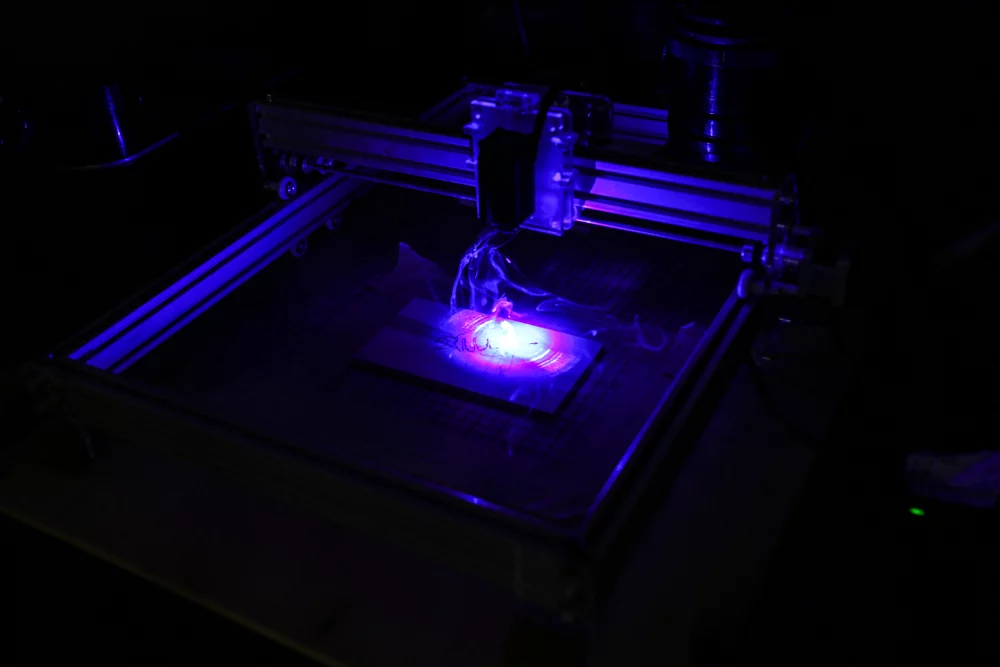
5. Test Scannability
After engraving, always verify that your code works correctly. Use multiple devices to scan it, including smartphones and dedicated scanners.
A properly created laser engraved QR code should scan quickly under different lighting conditions.
Top Use Cases for Laser Engraved QR Codes
The durability and precision of QR code laser marking make it valuable across many industries.
Product Identification
Manufacturers often engrave QR codes onto parts or equipment to store product data, serial numbers, and maintenance records. This is especially common in automotive and aerospace industries.
Because the code is permanently marked, it remains readable even after years of use.
Asset Tracking
Businesses use laser marking QR code systems to track tools, machines, and inventory. Each item receives a unique QR code that links to a database.
This helps companies manage equipment efficiently while reducing losses.
Marketing and Branding
A laser engraved QR code can link customers directly to a website, product page, or promotional video. When engraved onto packaging, signage, or promotional items, it creates a professional and durable marketing tool.
Brands often laser engrave QR codes onto:
- Promotional products
- Packaging materials
- Store displays
This allows customers to instantly interact with the brand.
Industrial Data Matrix Alternatives
In manufacturing environments, companies often etch QR code identifiers instead of printed labels. Unlike labels, engraved codes won’t peel off or fade in harsh environments.
This is particularly valuable in industries that require long-term traceability.
Decorative and Custom Applications
Some businesses even laser cut QR code patterns into decorative materials like wood or acrylic. These designs can link to wedding websites, restaurant menus, or digital portfolios.
Creative industries are finding new ways to combine design with function using laser engraved QR code technology.
Materials That Work Well for Laser QR Codes
Many materials are compatible with laser engraving QR codes, including:
- Stainless steel
- Aluminum
- Wood
- Acrylic
- Leather
- Glass
- Plastic
Each material responds differently to the laser beam, so testing is always recommended.
For industrial applications, metals and anodized aluminum often produce the most durable and readable codes.
The Bottom Line on Laser Cutting QR Codes
Laser technology makes it easier than ever to create permanent, reliable QR codes. If you’re wondering can you laser engrave a QR code, the answer is a clear yes—and it’s one of the most effective ways to produce durable identifiers.
From product tracking to marketing campaigns, qr code laser marking offers countless possibilities. By following best practices for contrast, sizing, and laser settings, you can create scannable QR codes that work consistently and look professional.
Whether you engrave a QR code on metal parts, promotional products, or custom gifts, laser engraving delivers precision, durability, and long-term reliability.
